

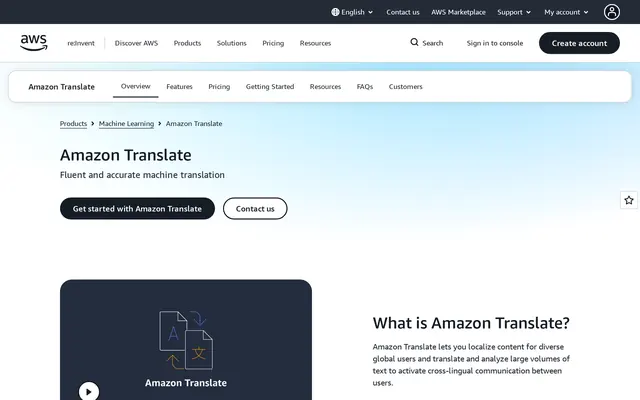
Why profanity masking must stay off in Amazon Translate
Amazon Translate only masks profanity when a request turns the setting on. When switched on, it replaces each profane word or phrase with “?$#@$”, matching words literally rather than in context. Check any sample code before running a batch.
Amazon may keep the text you send
By default, the AWS Service Terms let Amazon store and use content processed by Amazon Translate to improve the service and other AWS AI technology, and to keep it in a region other than yours. For unreleased scene descriptions or member messages, that is worth stopping.
The fix is an AI services opt-out policy set in AWS Organizations. Set it before the first call.
Amazon Translate pricing for a video catalog
Amazon Translate charges $15 per million characters, spaces included, for real-time text, batch documents and real-time text or HTML documents. Real-time DOCX costs $30, and Active Custom Translation, which steers style with your own example translations, costs $60.
A tube with 10,000 videos whose title and description run to 250 characters sends 2.5 million characters, or $37.50 per target language. The same catalog is roughly 400,000 words, which at Adult Translations’ €0.08 a word would cost €32,000.
Amazon advertises 2 million free characters a month for 12 months from the first request, with no rollover and nothing free for real-time document translation. Since AWS reworked its free offer, new accounts also get up to $200 in credits over six months. Volume discounts start above a billion characters a month.
Brazilian Portuguese, Mexican Spanish and India
Amazon Translate lists 75 languages, with separate entries for Brazilian and European Portuguese, Mexican and standard Spanish, Canadian and standard French, and simplified and traditional Chinese. For India it covers Hindi, Bengali, Tamil, Telugu, Marathi, Gujarati, Kannada, Malayalam and Punjabi.
The formality setting, which picks the casual or polite form of address, works for only 11 target languages. Mexican Spanish and Hindi are on the list. Brazilian Portuguese is not, so a dating site aimed at Brazil cannot set its tone this way.
Setting up Amazon Translate
The AWS console has a real-time translation page where you can paste text, which is enough to test a language. It still needs an AWS account with a payment method. A whole catalog goes through the API or through batch jobs on documents stored in an S3 bucket, so expect to write a script.
Custom terminology locks the translation of brand and performer names, and do-not-translate tags protect parts of your HTML.
Amazon Translate strengths and limitations
Strengths
- Very low per-character pricing, billed on actual use.
- Country variants for Brazil, Mexico and Canada, plus nine Indian languages.
- Custom terminology and do-not-translate tags.
Limitations
- Your text feeds Amazon’s models until you set the opt-out.
- A script is needed for anything beyond pasting text.
- No formality control for Brazilian Portuguese.
- Machine output, weak on copy where tone drives sales.
Amazon Translate alternatives in this directory
DeepL is the other paid engine listed here, with its own web translator. LibreTranslate runs on your own server, so nothing leaves it. For sales pages, Adult Translations uses human linguists who work only on adult content.
 Adult Translations
Adult Translations is a human translation agency that works only on adult content, started in Bratislava in 2015.
Read the review Adult Translations → Argos Translate
Argos Translate is a free, open source machine translation library under the MIT license that runs offline on your own hardware.
Read the review Argos Translate → DeepL
DeepLDeepL is the machine translator from DeepL SE in Cologne, Germany. The free version handles 50,000 characters a month and uses your text for training.
Read the review DeepL → LibreTranslate
LibreTranslate is an open source machine translation API built on Argos Translate.
Read the review LibreTranslate →